
3.12 HTML Output Options Screen
For exporting the selected XML data to HTML, you need to select the HTML file location by clicking Browse.
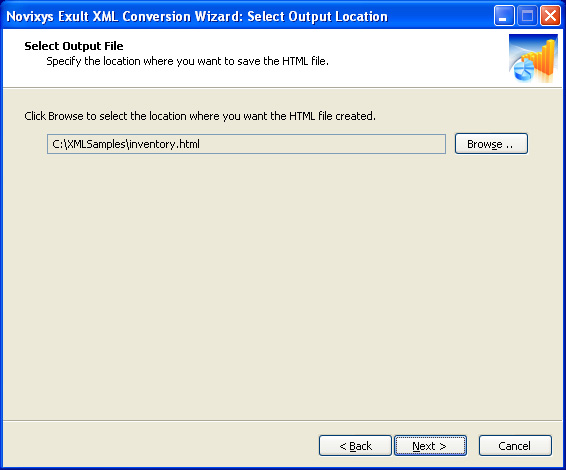
After selecting the output file location, click ‘Next’ to begin generating the output.
Argon DataViz
Create Pivot Tables and Pivot Charts from Large Datasets.
Swift XML Converter
Query & extract XML data into Microsoft Excel (XLS), Microsoft Access (MDB or ACCDB), or CSV.
Exult Standard
Convert XML into Microsoft Excel (XLS), Microsoft Access (MDB or ACCDB), or CSV.
Exult MySQL
Import XML data into automatically created MySQL tables.