
2.6.1 XML Import Completed Dialog
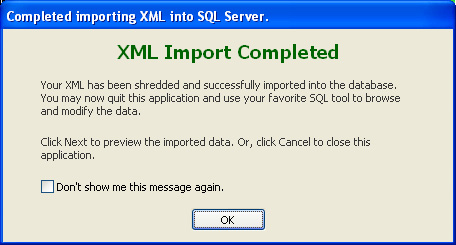
After the XML import into SQL Server completes successfully, clicking the Next button will result in the following confirmation dialog. It tells you that the XML import completed successfully, and that you could quit Exult now.
This confirmation dialog was added because clicking Next on the XML Import Progress Screen causes Exult to load the data from the database for previewing the data. Loading the data could take a couple of moments depending on the size of the tables.
To not see the message again, check the Don’t show me this message again checkbox and click OK.
Argon DataViz
Create Pivot Tables and Pivot Charts from Large Datasets.
Swift XML Converter
Query & extract XML data into Microsoft Excel (XLS), Microsoft Access (MDB or ACCDB), or CSV.
Exult Standard
Convert XML into Microsoft Excel (XLS), Microsoft Access (MDB or ACCDB), or CSV.
Exult MySQL
Import XML data into automatically created MySQL tables.