
3.2.1 Adding a task to the Windows Scheduler
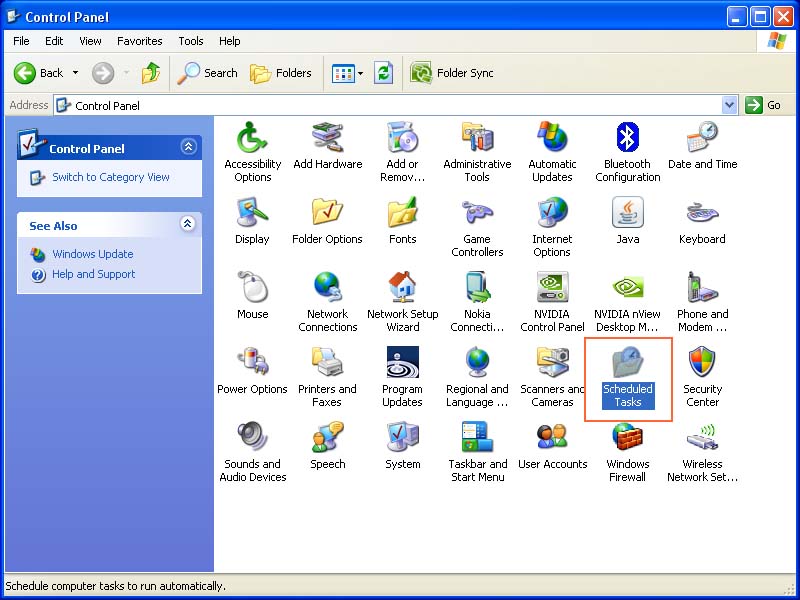
To add a task to the Windows Scheduler, select the ‘Scheduled Tasks’ icon from the Control Panel.
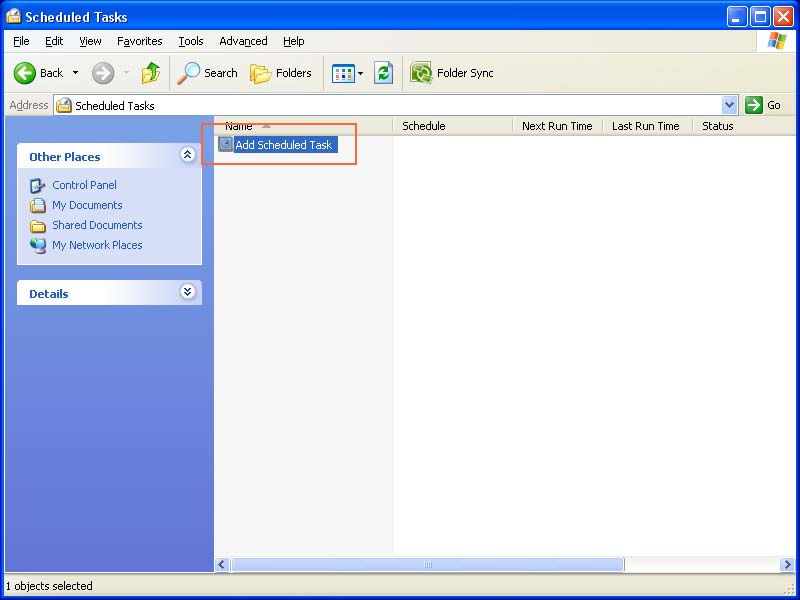
From the Scheduled Tasks window, double-click on the ‘Add Scheduled Task’ item.
Argon DataViz
Create Pivot Tables and Pivot Charts from Large Datasets.
Swift XML Converter
Query & extract XML data into Microsoft Excel (XLS), Microsoft Access (MDB or ACCDB), or CSV.
Exult Standard
Convert XML into Microsoft Excel (XLS), Microsoft Access (MDB or ACCDB), or CSV.
Exult MySQL
Import XML data into automatically created MySQL tables.