
1.1 Import a single XML file into SQL Server
Exult makes it very easy to import an XML file into SQL Server, automatically creating the tables and the required relationships. The following is a walkthrough which illustrates the process.
- The Welcome Screen presents useful information about Exult including the version and some latest changes.
- The Trial Information Screen provides some information about the limitations of the trial version. Appears only in the trial version of Exult for SQL Server.
-
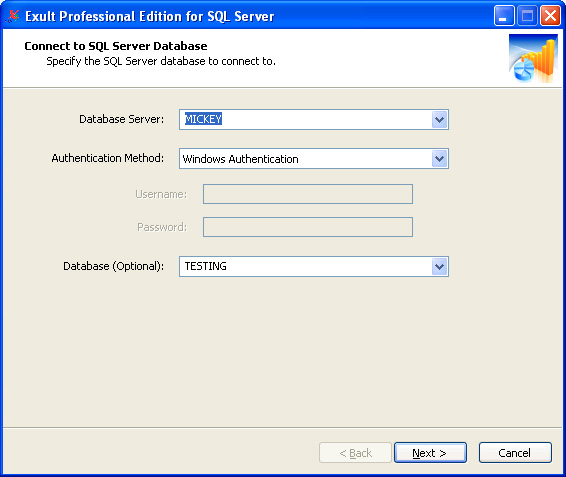
The Database Connection Screen allows you to connect to an SQL
Server database. Information required here includes the location of
the database server, the type of the authentication used (Windows
Authentication or SQL Server Authentication), user name and password
to connect (for SQL Server Authentication), and optionally, the
database to connect to.
-
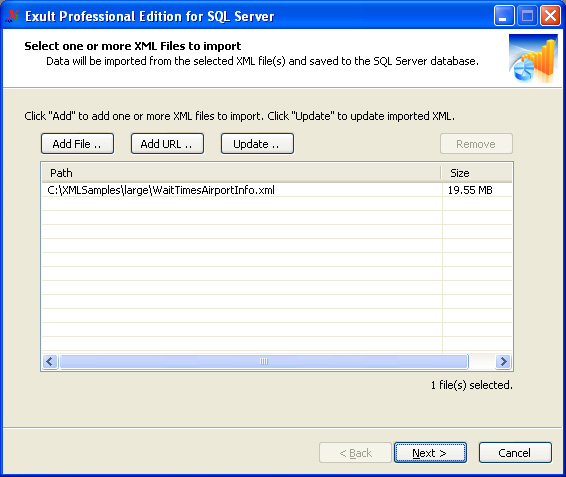
The XML File Selection Screen is shown once the connection to
SQL Server is successfully made. This example shows a single XML file
selected for processing.
-
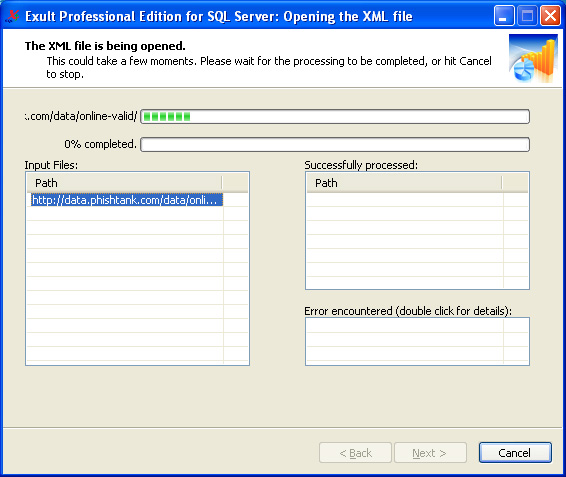
The XML Import Progress Screen shows the progress of the XML
import process.
-
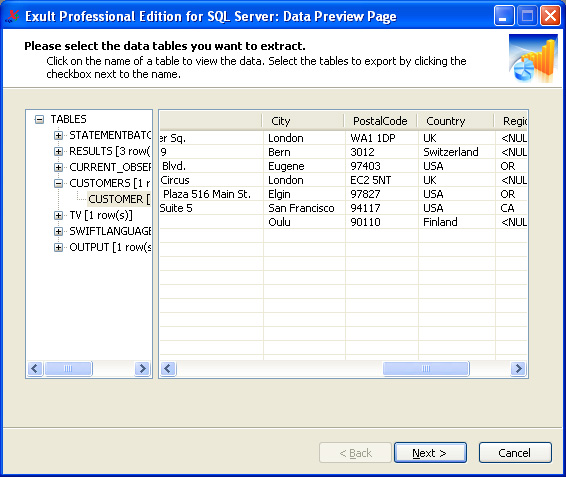
The Data Preview Screen shows the tables and the data imported
by the XML import.
- And that is how easy it is to import XML into SQL Server using Exult. The Finish Screen completes the process.
Argon DataViz
Create Pivot Tables and Pivot Charts from Large Datasets.
Swift XML Converter
Query & extract XML data into Microsoft Excel (XLS), Microsoft Access (MDB or ACCDB), or CSV.
Exult Standard
Convert XML into Microsoft Excel (XLS), Microsoft Access (MDB or ACCDB), or CSV.
Exult MySQL
Import XML data into automatically created MySQL tables.